The product
Duo. TOTP. Two campuses. Pause and resume.
An independent student project
Two campuses. One action. A native Mac experience designed to keep you in flow.
Watch the product film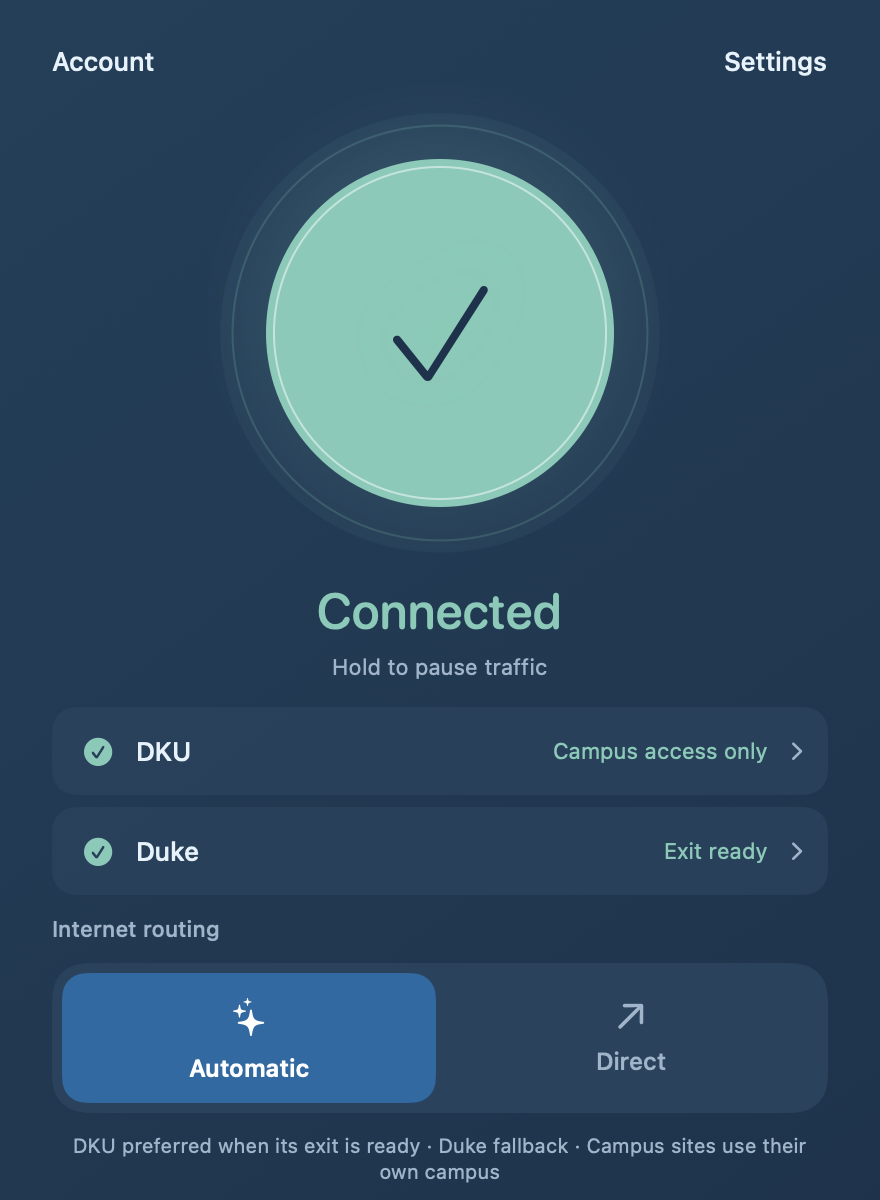
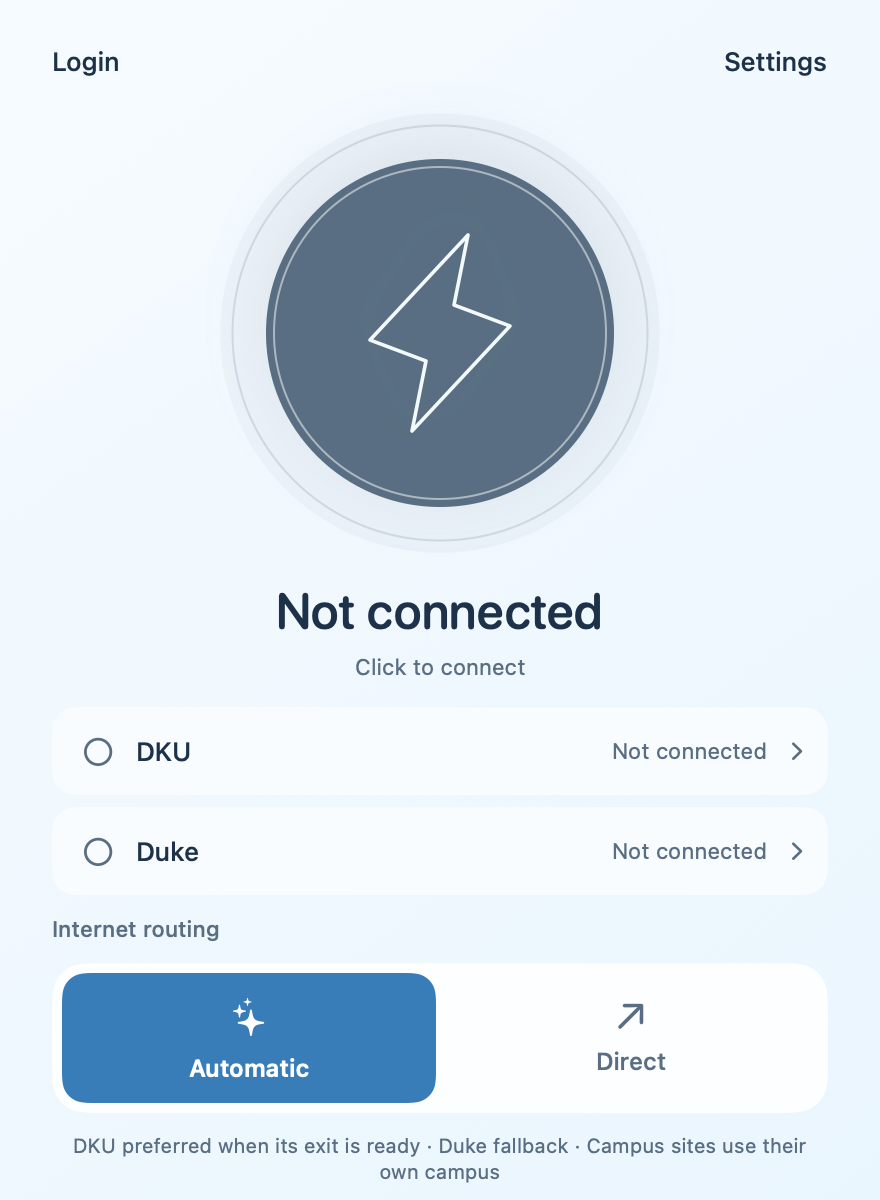
Mac interface demonstration
Two campuses.
One less thing to think about.
Understand the product. Meet the mission.
Duo. TOTP. Two campuses. Pause and resume.
A small team. A useful mission.
English narration, original electronic score and native 0.3.12 interface captures. Connections are simulated for demonstration; authentication timing is illustrative.
Feel the difference
Try the sequence. One control coordinates both campus sessions, while each keeps its own verification and status.
An interactive UI illustration. Ready when you are.
Simulated states, not a real connection or speed test. Each school’s authentication and expiry policies still apply.
A workflow comparison with the standard Cisco sign-in flow described by Duke OIT.
Typical Cisco sign-in
Campus Connect / after setup
The difference is workflow. Faster throughput and longer-session reliability still need comparable real-world validation. Duke’s Cisco MFA guidance ↗
One action coordinates both campus sessions. Each keeps its own authentication, health checks and status.
Automatic keeps rule-matched traffic direct and prefers a ready DKU PAC exit, falling back to Duke when ready. Campus resources use their own campus session.
Interactive policy illustration. The Mac development build uses system proxies for supported TCP applications; it does not capture every app or UDP/ICMP traffic.
Menu-bar controls stay close. Pause traffic while keeping valid school sessions, then resume without starting from scratch.
Save one account to local Keychain. Approve Duo on your phone, or enroll TOTP through the official setup guide for automatic code submission.
Campus access and internet-exit readiness are checked separately. An established tunnel alone is not proof of usable browsing.
A practical development path, with clear boundaries between implementation and verified readiness.
Native interface, real dual-campus authentication, menu-bar controls, routing and local credentials. Captured operator build: 0.3.12, Apple Silicon, macOS 26+.
Sustained browsing reliability, physical network transitions and wider device acceptance remain under validation. The build is not notarized or publicly released.
Adaptive SwiftUI interfaces, account flow and configuration review are in place. Real campus authentication and VPN transport are the next engineering work.
The mobile preview does not yet establish campus VPN connections.
Improve recovery and everyday reliability. Evaluate broader operating-system support. Prepare a suitable Apple developer enrollment and a reviewed distribution path, including a possible US App Store release.
Platform support, release dates and App Store approval are not yet committed.
Forming a team
Campus Connect is an independent, student-led project. We welcome interested DKU students to build it together, whether you enjoy engineering, design, testing, or simply making campus life a little easier.
Swift / SwiftUI, macOS, iOS and networking. Help turn the mobile preview into a real transport.
Test authentication, recovery, routing and daily use across devices and networks.
Make setup clearer, interactions simpler and project documentation easier to follow.
Participation comes first. Voluntary support could help cover developer membership and release preparation, with an agreed budget and documented spending.
Apple lists Developer Program membership at US$99 per year. VPN apps also require appropriate organization enrollment, technical compliance and App Review. Membership funding is one step toward distribution.
Apple Developer Program ↗VPN app requirements ↗Student-built tools show how small teams can improve everyday campus life. Related projects worth exploring include VpnConnect, Gallinula’s Next Shuttle, and FedCampus. These are community references, not affiliations, endorsements or claims of collaboration.